Why Does Your Mobile Game Lag on High-End Phones? 9 Performance Issues Developers Must Fix
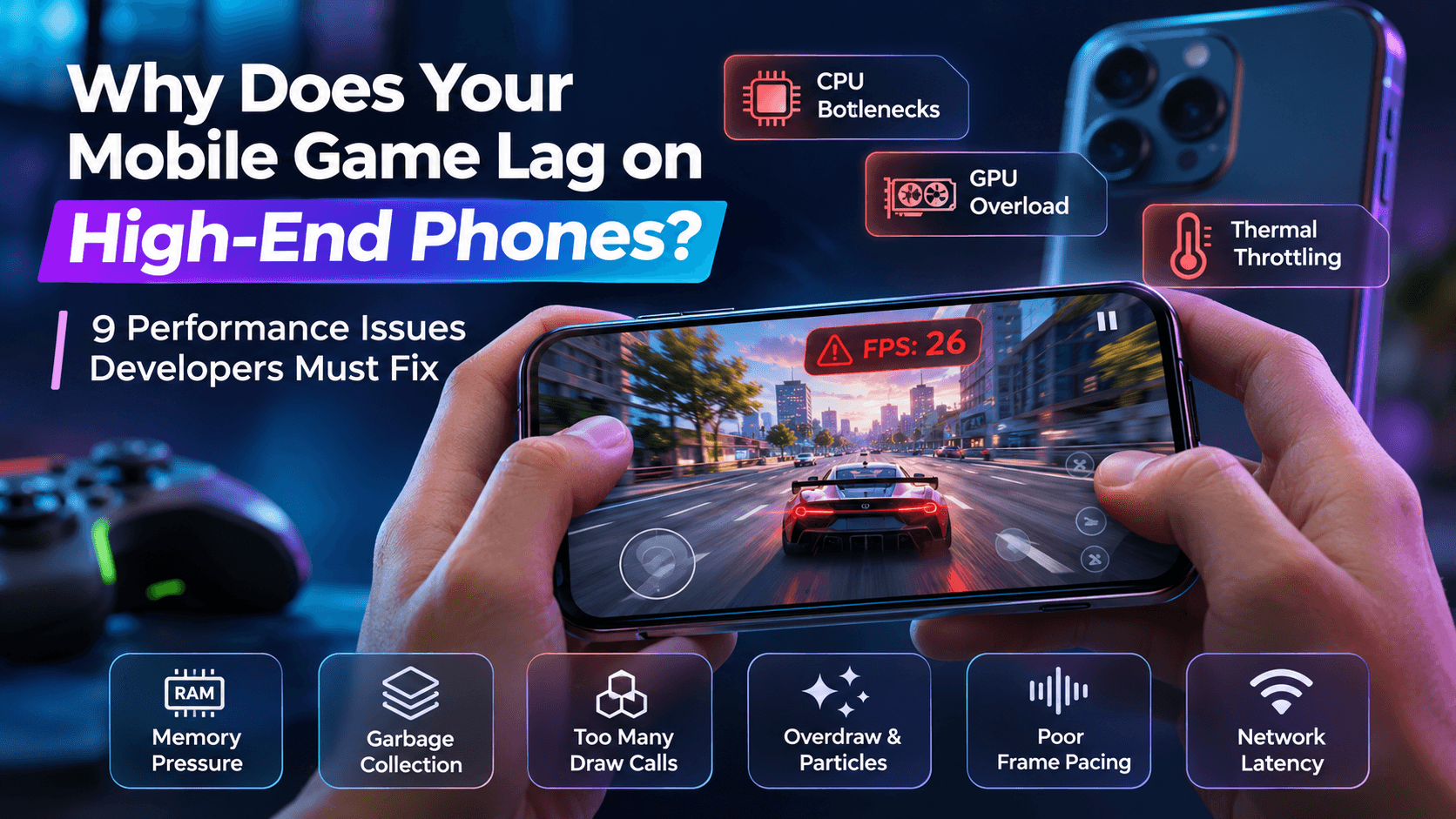
A mobile game should run smoothly on powerful smartphones. However, even flagship devices with advanced processors, high refresh-rate displays, and plenty of RAM can experience lag, stuttering, overheating, or unexpected FPS drops.
This happens because mobile game performance depends on more than hardware specifications. Poorly optimized game logic, excessive rendering operations, memory management problems, thermal throttling, and network synchronization can all affect gameplay.
If your mobile game runs smoothly on some devices but struggles on high-end phones, the problem may be hidden inside its architecture or optimization process.
In this guide, we explain nine common reasons why mobile games lag on powerful phones, how developers can identify these performance bottlenecks, and what they can do to improve FPS, stability, and the overall gaming experience.
Why Can a Powerful Phone Still Struggle With a Mobile Game?
A high-end smartphone has powerful hardware, but that does not automatically guarantee smooth gameplay.
Every frame requires the device to process game logic, render graphics, manage memory, and handle background operations within a limited amount of time.
Several factors can affect this process:
- CPU performance: Complex game logic, physics calculations, and scripts can overload the processor.
- GPU performance: High-resolution textures, advanced shaders, and visual effects can increase rendering workload.
- Memory usage: Excessive RAM consumption can cause stuttering and performance instability.
- Thermal management: Extended gameplay can increase device temperature and reduce processing performance.
- Frame pacing: Inconsistent frame delivery can make a game feel less responsive, even when average FPS appears acceptable.
- Network synchronization: Multiplayer games can experience delays because of latency or inefficient communication between clients and servers.
Understanding these factors helps developers identify the actual cause instead of assuming that the device itself is responsible.
9 Reasons Why Your Mobile Game Lags on High-End Phones
1. CPU Bottlenecks and Inefficient Game Logic
A powerful GPU cannot compensate for inefficient CPU processing.
Mobile games frequently execute scripts, physics calculations, AI behavior, animations, collision detection, and background tasks. If these operations require too much processing time, the CPU may become a bottleneck.
This can result in:
- Sudden FPS drops during complex gameplay.
- Delayed player movement or input responses.
- Stuttering when multiple characters or objects appear.
- Performance issues during heavy in-game calculations.
How developers can fix it
Developers should profile CPU usage to identify expensive functions and unnecessary calculations.
Practical improvements include:
- Optimize frequently executed scripts.
- Avoid unnecessary calculations inside update loops.
- Reduce expensive physics operations.
- Use object pooling instead of repeatedly creating and destroying objects.
- Move suitable background tasks away from the main thread.
If you are deciding between development technologies, our guide on Unity vs Unreal Engine in 2026 explains how both engines differ in performance, flexibility, and development requirements.
2. GPU Overload From Complex Graphics and Shaders
High-end smartphones support advanced graphics, but developers still need to consider rendering limitations.
Using high-resolution textures, complex materials, dynamic lighting, shadows, and demanding shaders can increase GPU workload.
Even powerful phones may struggle when too many graphical elements need to be rendered simultaneously.
Common warning signs include:
- FPS drops in visually complex scenes.
- Stuttering during explosions or particle effects.
- Performance differences between simple and detailed environments.
- Increased device temperature during graphics-heavy gameplay.
How developers can fix it
To reduce GPU workload:
- Optimize shaders and materials.
- Use texture compression.
- Reduce unnecessary real-time shadows.
- Apply Level of Detail (LOD) techniques.
- Optimize lighting and post-processing effects.
- Use graphics settings appropriate for different device categories.
The objective is not to remove visual quality but to maintain a balance between graphics and performance.
3. Thermal Throttling After Extended Gameplay
A mobile game may run smoothly during the first few minutes but become noticeably slower after extended gameplay.
This can happen because of thermal throttling.
Smartphones generate heat when their processors and GPUs perform demanding tasks. When temperatures rise beyond certain limits, the device may reduce processing performance to control heat.
As a result, players may experience:
- FPS drops after extended gameplay.
- Reduced performance during intensive scenes.
- Increased loading or response times.
- Inconsistent gameplay despite using a powerful phone.
How developers can fix it
Developers should test games during extended sessions instead of relying only on short performance tests.
Useful improvements include:
- Reduce unnecessary CPU and GPU workloads.
- Optimize background processing.
- Adjust graphics settings dynamically when appropriate.
- Avoid continuously running expensive effects.
- Monitor device temperature during testing.
A game should maintain stable performance over time, not just during its initial launch.
4. Memory Pressure and Excessive RAM Usage
High-end smartphones usually have more RAM than entry-level devices, but memory management still matters.
A game can consume excessive memory through large textures, uncompressed assets, unnecessary objects, and inefficient resource management.
When memory usage becomes too high, the operating system may need to reclaim resources or terminate background processes. This can affect gameplay stability.
Common symptoms include:
- Stuttering when entering new areas.
- Unexpected loading delays.
- Crashes during longer sessions.
- Performance problems when switching between game scenes.
How developers can fix it
Developers should monitor memory consumption throughout gameplay.
Recommended practices include:
- Compress textures and audio assets.
- Load resources only when required.
- Release unused assets.
- Use asset streaming for large environments.
- Avoid unnecessary object duplication.
- Monitor memory allocation and leaks.
Efficient memory management helps maintain stable gameplay across different smartphone categories.
5. Garbage Collection Causing Unexpected Frame Drops
Garbage collection is an important part of memory management in many development environments.
However, frequent memory allocations can trigger garbage collection at inconvenient moments. When this interrupts the main game loop, players may notice sudden stuttering or frame drops.
This issue is particularly relevant to developers working with Unity and other managed runtime environments.
How developers can fix it
To reduce garbage collection-related performance problems:
- Avoid unnecessary object creation during gameplay.
- Reuse frequently needed objects.
- Use object pooling for bullets, enemies, and visual effects.
- Reduce temporary allocations in frequently executed code.
- Profile memory allocation patterns.
The goal is to minimize unnecessary allocations and prevent memory management operations from interrupting important gameplay processes.
6. Too Many Draw Calls and Rendering Operations
A draw call is a command that tells the GPU to render an object or group of objects.
When a scene contains too many separate rendering operations, the CPU may spend additional time preparing and submitting those commands.
This can create a rendering bottleneck, particularly in games with detailed environments, numerous objects, and complex scenes.
Common warning signs include:
- Performance drops in crowded environments.
- Higher CPU rendering time.
- Increased workload when many objects appear together.
How developers can fix it
Developers can reduce unnecessary rendering operations by:
- Combining compatible meshes.
- Using GPU instancing where appropriate.
- Reducing unnecessary material variations.
- Optimizing scene complexity.
- Removing objects that do not need to be rendered.
These techniques can improve rendering efficiency without significantly changing the visual experience.
7. Overdraw, Transparent Effects, and Excessive Particles
Overdraw occurs when the GPU processes multiple layers of pixels that eventually appear in the same screen area.
This commonly happens in mobile games that use transparent textures, particle effects, explosions, smoke, shadows, and overlapping visual elements.
Although these effects can improve visual quality, excessive use can increase GPU workload.
How developers can fix it
Developers should:
- Reduce unnecessary transparent layers.
- Optimize particle systems.
- Limit overlapping visual effects.
- Use simpler effects for distant objects.
- Avoid rendering invisible or unnecessary elements.
Performance optimization should focus on maintaining visual quality while reducing unnecessary rendering work.
8. Poor Frame Pacing and Unstable FPS
Average FPS does not always represent how smooth a game feels.
A game might report an average of 60 FPS but still feel inconsistent if individual frames take different amounts of time to render.
This is known as poor frame pacing.
For example, maintaining 60 FPS requires each frame to be rendered in approximately 16.67 milliseconds. At 30 FPS, each frame takes approximately 33.33 milliseconds. Higher refresh rates require even shorter frame times: 90 FPS requires around 11.11 milliseconds per frame, while 120 FPS requires approximately 8.33 milliseconds.
When frame delivery becomes inconsistent, players may notice:
- Visual stuttering.
- Uneven animations.
- Delayed responses to player input.
- Inconsistent movement despite apparently high FPS.
How developers can fix it
Developers should monitor frame time alongside average FPS.
Useful improvements include:
- Maintain consistent frame delivery.
- Avoid sudden increases in rendering workload.
- Use appropriate frame-rate targets.
- Test different display refresh rates.
- Profile gameplay during demanding scenes.
Consistent frame pacing is essential for delivering smooth and responsive gameplay.
9. Network Latency and Multiplayer Synchronization
Not every performance issue comes from graphics or hardware.
In multiplayer games, network latency and inefficient synchronization can make gameplay feel slow or unresponsive, even when the device maintains a stable frame rate.
For example, a player may experience delayed movement, unexpected character positions, or inconsistent interactions because of communication delays between the game client and server.
How developers can fix it
Developers should:
- Reduce unnecessary network requests.
- Optimize data transmission.
- Use appropriate synchronization methods.
- Implement prediction and interpolation where suitable.
- Monitor server response times.
- Test multiplayer gameplay under different network conditions.
For a deeper understanding of these challenges, read our guide on the multiplayer game architecture problem.
How to Diagnose Mobile Game Performance Issues
Identifying the actual bottleneck is more important than randomly changing graphics settings or reducing game features.
Developers should follow a structured performance testing process.
Step 1: Reproduce the Performance Problem
Start by identifying when the lag occurs.
Does it happen during:
- Heavy combat sequences?
- Multiplayer sessions?
- Scene transitions?
- High-resolution visual effects?
- Extended gameplay?
Reproducing the issue helps developers narrow down the possible causes.
Step 2: Measure FPS and Frame Time
Monitor both average FPS and frame-time consistency.
A stable frame rate with inconsistent frame times can still produce noticeable stuttering.
Developers should record performance during normal gameplay as well as demanding scenes.
Step 3: Identify CPU and GPU Bottlenecks
Use profiling tools to determine whether the CPU or GPU is responsible for performance limitations.
For Unity projects, the Unity Profiler can help identify expensive scripts, rendering operations, and memory usage.
For Unreal Engine projects, developers can use Unreal Engine performance profiling tools to investigate performance bottlenecks.
Step 4: Monitor Memory and Device Temperature
Track memory allocation, resource consumption, and device temperature during longer gameplay sessions.
This helps identify memory pressure and thermal throttling that may not appear during short tests.
Step 5: Optimize and Test Again
After identifying a bottleneck, make targeted improvements and repeat the same test.
Compare the results before and after optimization to confirm whether the change actually improved performance.
Best Tools for Mobile Game Performance Optimization
Developers can use several tools to investigate performance issues and improve game stability.
Unity Profiler: Helps identify CPU, GPU, memory, and rendering bottlenecks in Unity projects.
Unity Frame Debugger: Helps inspect rendering events and understand how objects are being drawn.
Android Studio Profiler: Provides insights into CPU, memory, and other application performance metrics.
Perfetto: Helps analyze system-level performance and investigate frame-related issues on Android devices.
Unreal Insights: Provides detailed performance profiling for Unreal Engine projects.
RenderDoc: Helps inspect graphics rendering and investigate GPU-related issues.
Choosing the right tool depends on the game engine, device, and type of performance problem.
Mobile Game Optimization Checklist
Before releasing a mobile game, developers should review the following areas:
- Profile CPU and GPU performance.
- Optimize scripts and game logic.
- Compress textures and other assets.
- Reduce unnecessary draw calls.
- Optimize shaders and lighting.
- Monitor memory allocation.
- Reduce unnecessary garbage collection.
- Optimize particle and transparency effects.
- Monitor frame-time consistency.
- Test extended gameplay sessions.
- Check device temperature.
- Test different network conditions.
- Verify performance across multiple device categories.
A structured checklist helps development teams identify issues before they affect the player experience.
Why Testing Only on High-End Phones Is Not Enough
Testing a game on a flagship smartphone does not guarantee that it will perform well across the wider mobile market.
Different devices have different processors, GPUs, memory configurations, display refresh rates, and thermal characteristics.
Developers should test games across multiple device categories:
Entry-level devices: Help identify memory limitations, loading issues, and basic performance problems.
Mid-range devices: Provide a realistic performance benchmark for a large segment of mobile users.
High-end devices: Help evaluate advanced graphics settings, higher refresh rates, and demanding gameplay features.
Testing across different hardware categories makes it easier to identify optimization problems and deliver a consistent experience.
Our browser-based gaming case study also demonstrates the importance of cross-device responsiveness and performance optimization.
When Should You Hire a Professional Mobile Game Development Team?
If your game continues to experience performance issues despite basic optimization, the problem may require deeper technical investigation.
A professional game development team can help with:
- CPU and GPU profiling.
- Unity and Unreal Engine optimization.
- Memory management.
- Multiplayer architecture improvements.
- Rendering optimization.
- Cross-device performance testing.
- Long-term scalability planning.
If you need experienced developers for your project, explore our game development services or learn more about our Unity game developers.
The right development approach can help identify hidden bottlenecks and improve the overall stability of your game.
Final Thoughts
A mobile game can lag on high-end phones for several reasons, including CPU bottlenecks, GPU overload, memory pressure, thermal throttling, poor frame pacing, and network latency.
The solution is not necessarily to reduce graphics quality or target more powerful hardware. Developers need to identify the actual performance bottleneck through profiling, testing, and optimization.
By monitoring CPU and GPU usage, managing memory efficiently, optimizing rendering operations, and testing across different devices, development teams can deliver smoother and more reliable mobile gaming experiences.
The key is simple: optimize the complete game experience, not just the hardware requirements.
Why Does Your Mobile Game Lag on High-End Phones? 9 Performance Issues Developers Must Fix

MVP vs Full Product: What Should Startups Actually Build First?